

Short Answer: Optometry practices typically need four categories of SaaS tools — EHR/practice management, appointment scheduling, optical measurement, and billing. The right combination reduces administrative overhead, prevents lens remakes from measurement error, and keeps claims from being denied. This guide covers what each category does, what features matter, and what to evaluate before committing.
What SaaS Categories Does an Optometry Practice Actually Need?
Most optometry practices run on a patchwork of software: an EHR from one vendor, a scheduling tool from another, billing handled through a clearinghouse, and optical measurements still taken by hand. Each system operates in its own silo, creating manual data entry, reconciliation work, and gaps where errors slip through.
A well-chosen SaaS stack covers four functional areas:
| Category | Core Function | Key Outcome |
|---|---|---|
| EHR / Practice Management | Patient records, charting, clinical workflows | Accurate documentation, HIPAA compliance |
| Appointment Scheduling | Online booking, reminders, waitlists | Lower no-show rates, higher chair utilization |
| Optical Measurement | PD, SH, frame fitting | Fewer lens remakes, better dispensing accuracy |
| Billing & Revenue Cycle | Claims, eligibility verification, denial management | Faster reimbursement, lower denial rates |
The sections below cover what to look for in each category and which questions to ask vendors before signing a contract.
EHR and Practice Management: What Optometry-Specific Features Look Like
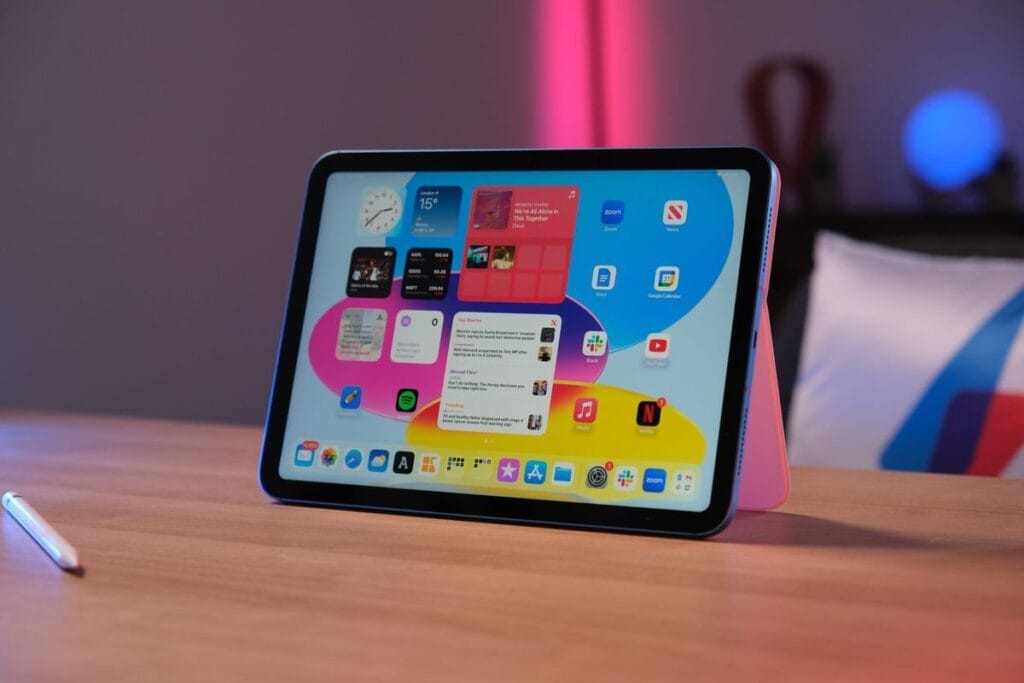
Generic medical EHR systems are built for primary care workflows. Optometry-specific EHRs are structured around refraction records, visual acuity, IOP readings, diagnostic imaging integration, and contact lens fittings. These are different data models, and trying to force general-purpose charting templates into optometry workflows creates documentation friction.
The American Optometric Association’s New Technology Committee notes that AI-driven EHR systems are beginning to offer “natural language processing will likely help make record-keeping more efficient and reduce errors, all while allowing doctors of optometry to spend more time on patient care rather than administrative tasks.”
Must-Have EHR Features for Optometry
- Refraction and visual acuity templates pre-built for optometric exams — not adapted from general medicine
- Diagnostic equipment integration — OCT, retinal camera, auto-refractor, visual field
- Contact lens fitting module — tracks brand, parameters, and trial lens inventory
- MIPS/MACRA reporting support — required for Medicare Part B eligible practices
- HIPAA-compliant data storage — encrypted at rest and in transit, with access controls and audit logs
HIPAA Compliance Is Not Optional
Optometrists are classified as covered entities under HIPAA if they transmit patient data electronically, which includes submitting insurance claims. Cloud-based EHR vendors must provide a Business Associate Agreement (BAA) and demonstrate encryption, access controls, and breach notification procedures. The AOA’s HIPAA guidance outlines the specific rules that apply to optometry practices.
Using non-compliant cloud storage — including consumer-grade tools like Google Docs for patient notes — creates liability exposure regardless of intent.
Questions to Ask EHR Vendors
- Is the system ONC-certified?
- What is the uptime SLA and how are data backups handled?
- Does the system support MIPS measure tracking and submission?
- What diagnostic equipment does it integrate with natively (vs. requiring manual data entry)?
- What is the per-provider monthly cost and what is included vs. add-on?
Appointment Scheduling: Reducing No-Shows Without Adding Staff
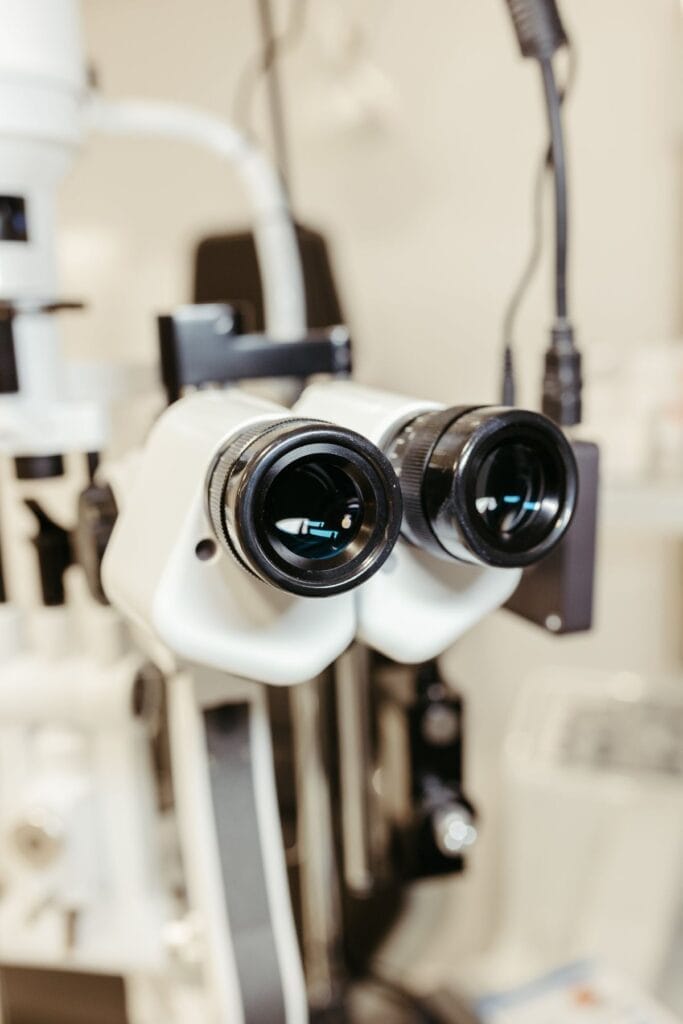
No-shows are a direct revenue loss. A study published in BMC Ophthalmology found that with appointment lead times of 0–2 weeks, no-show rates in ophthalmology clinics averaged 9.1% for resident clinics and 2.4% for faculty clinics. When lead times extended to six months, resident clinic no-show rates climbed to 38.3%. The researchers found that “the no-show rate increased as the lead time increased.”
Scheduling software cannot eliminate this entirely, but automated reminders — SMS and email — reduce no-shows significantly. For a practice running 100 appointments weekly at a 12% no-show rate, reducing that rate by even one-third recovers 4–5 appointments per week.
Scheduling Features That Matter
- Online self-scheduling — patients book without calling; reduces front desk load
- Automated reminders — customizable timing (e.g., 48 hours and 2 hours before)
- Two-way SMS confirmation — patients confirm or cancel via text, triggering automatic waitlist fills
- Integration with EHR — appointments flow directly into patient records without duplicate entry
- Telehealth booking — dedicated appointment types for virtual follow-ups and triage visits
What Telehealth Is (and Isn’t) Useful For in Optometry
Telehealth works for post-visit follow-ups, contact lens consultation, patient education on dry eye or myopia management protocols, and low-acuity triage. It does not replace in-person comprehensive exams or any visit requiring instrumentation.
When scheduling telehealth, the appointment should be documented in the same EHR charting system and connected to the same care plan and recall logic as in-office visits. Running telehealth through a disconnected platform creates fragmented records and complicates billing.
Optical Measurement Software: Where Dispensing Accuracy Starts
Lens errors that send patients back for remakes are expensive. A peer-reviewed study in Clinical and Experimental Optometry states directly: “If the pupillary distance is measured incorrectly, the optical centre will be incorrectly set within the spectacle frames, which can only be rectified by remeasuring the pupillary distance correctly, and remaking the spectacles.” The study also notes that “if the optical centre is not correctly aligned, light rays that pass through the lens are refracted, or bent, which leads to blurred or distorted vision.” (PMC11141121)
For practices dispensing eyewear — particularly progressive lenses, where the optical center alignment tolerance is tighter — accurate PD and segment height measurement is a clinical and financial issue, not just a workflow one.
Digital vs. Manual PD Measurement
| Method | Accuracy Range | Typical Use Case |
|---|---|---|
| Manual ruler | ±2–3 mm | Low-prescription, simple frames |
| Pupillometer (hardware) | ±0.5–1 mm | In-practice clinical standard |
| Digital photo-based software | ±0.5–1 mm | Remote dispensing, high-volume online |
| Smartphone apps (consumer) | ±0.5–1.4 mm | Patient self-measurement (limited precision) |
A study comparing smartphone-based IPD measurement tools found that the most accurate application achieved a mean absolute error (MAE) of 0.511 mm relative to a digital pupillometer, and concluded that accurate apps “may serve as an acceptable alternative” when trained clinicians are unavailable — particularly for online eyeglass ordering. (PMC10389117)
For practices with an online dispensing component, photo-based measurement software like Optogrid offers clinician-grade measurement accuracy from a patient-submitted photograph — capturing monocular PD, dual PD, and segment height without requiring the patient to be in the office.
To understand how digital PD measurement works in practice, see: Using Optogrid for Accurate PD and SH Measurement.
What to Evaluate in Measurement Software
- Monocular PD support — binocular-only measurement is less accurate for patients with facial asymmetry
- Segment height capture — required for progressive and bifocal lens orders
- Photo quality validation — software should flag insufficient image quality before measurements are taken
- Integration with optical lab ordering systems — measurements should flow directly into orders without manual transcription
- Audit trail — documented measurements tied to patient records support quality control and dispute resolution
Billing and Revenue Cycle Management: Reducing Claim Denials

Optometry billing sits at the intersection of vision insurance and medical insurance — which operate under different coding systems, different fee schedules, and different documentation requirements. A single patient encounter may generate claims to both a vision plan and Medicare or a medical carrier, each requiring different diagnosis codes, modifiers, and supporting documentation.
Claim denials are a persistent revenue drain. Integrated billing systems reduce denials by:
- Eligibility verification before the appointment — confirms coverage type, co-pays, and benefit limits before the patient arrives
- Automated claim scrubbing — flags coding errors, missing modifiers, and documentation gaps before submission
- Denial tracking and categorization — identifies patterns (e.g., a specific modifier consistently denied by a specific payer) so they can be corrected systematically
- Real-time financial reporting — tracks days in A/R, denial rates, and collection rates by payer
According to RevolutionEHR’s practice management guidance, key financial KPIs for optometry practices include: schedule utilization, no-show rate, optical capture rate, revenue per patient, days in A/R, and denial/rework rate — metrics that integrated billing software surfaces automatically rather than requiring manual spreadsheet work.
Billing Integration With EHR
The most effective billing setups connect directly to the EHR. Encounter codes are generated from clinical documentation rather than entered separately, reducing coding discrepancies. Diagnosis codes can be validated against the patient’s insurance coverage before the claim is submitted.
Standalone billing software that receives data via export-and-import creates reconciliation work and introduces transcription errors. When evaluating vendors, ask whether billing is native to the EHR or requires a middleware integration.
Evaluating and Buying SaaS for an Optometry Practice
Build Around Your EHR, Not the Other Way Around
The EHR is the clinical record of truth. Every other system — scheduling, measurement, billing — should integrate with it. Purchasing scheduling or billing tools first and then finding an EHR that fits around them leads to integration compromises and data silos.
Total Cost of Ownership vs. Subscription Price
SaaS pricing in optometry typically starts at $200–$400 per provider per month for EHR-only platforms. Add-ons for billing, patient communication, and telehealth can double that figure. Evaluate:
- Onboarding and data migration fees
- Training costs (included vs. hourly)
- Per-transaction fees on billing or patient payments
- Contract length and exit terms
What the Trend Toward AI Means for Buyers
The AOA notes that AI applications in practice management are centering on automation (scheduling, reminders) and operational insights. Clinically, FDA-cleared systems like LumineticsCore are now used for diabetic retinopathy screening in over 60 health systems. Before purchasing AI-enhanced features, ask vendors to specify what the system does, what the FDA clearance status is, and what the liability framework is for AI-assisted clinical decisions.
For a broader look at how digital tools are changing the optometry model, see The Impact of Digital Transformation in Optometry and Improving Eye Care: The Rise of the Digital PD Ruler.
Comparison: Common Optometry SaaS Platforms by Category
| Platform | Category | Notable Strength |
|---|---|---|
| RevolutionEHR | EHR + PM | Optometry-native cloud EHR, billing integration |
| Compulink Advantage | EHR + PM | Comprehensive ophthalmology/optometry suite |
| Barti | EHR + PM | AI-assisted charting, automated intake |
| Eyefinity | EHR + PM + Billing | VSP integration, large practice focus |
| Optogrid | Optical Measurement | Photo-based PD/SH measurement, online dispensing |
| Doctible | Patient Engagement | No-show reduction, automated reminders |
This table covers representative options; it is not a ranking. Practice needs vary by size, specialty mix, and payer mix.
Frequently Asked Questions
What is the difference between an EHR and practice management software for optometry?
An EHR (Electronic Health Record) stores and manages clinical patient data: exam records, prescriptions, diagnoses, and imaging. Practice management software handles the business side: scheduling, billing, insurance verification, and reporting. Many optometry SaaS platforms combine both in a single system, though some sell them separately.
Do optometry practices need to be HIPAA-compliant for cloud-based software?
Yes. Optometrists who submit electronic claims are covered entities under HIPAA. Any cloud software storing or transmitting protected health information (PHI) must have encryption, access controls, and a signed Business Associate Agreement (BAA) with the practice. Using non-compliant storage for patient data creates legal liability.
How much does optometry EHR software typically cost?
Cloud-based optometry EHR platforms typically start between $200 and $400 per provider per month. Total cost depends on whether billing, patient communication, and telehealth are included or sold as add-ons. Setup and data migration fees apply at onboarding.
Can optical measurement software replace an in-practice pupillometer?
For in-person dispensing, a calibrated pupillometer remains the clinical standard. Photo-based software like Optogrid is designed for remote or online dispensing scenarios where the patient cannot be physically present. For practices with online optical sales, digital measurement software can achieve accuracy comparable to hardware pupillometers — typically within ±0.5–1 mm.
What causes optometry insurance claims to be denied?
Common causes include incorrect modifier usage, coding mismatches between vision and medical insurance, missing documentation, and incorrect diagnosis codes for the services rendered. Integrated billing software reduces denials by scrubbing claims before submission and flagging eligibility issues before the patient’s appointment.
Should scheduling software integrate with the EHR?
Yes. When scheduling software connects directly to the EHR, appointment data flows automatically into patient records, telehealth visits link to existing care plans, and recall reminders trigger based on clinical intervals rather than arbitrary calendar schedules. Disconnected scheduling tools require manual data reconciliation and create gaps in the patient record.
How does segment height (SH) measurement affect lens quality?
Segment height determines where the optical center of a progressive or bifocal lens is placed relative to the patient’s pupil. An incorrect SH — particularly for progressives — results in the patient looking through the wrong lens zone during natural head position, causing visual discomfort even when the PD is correct. Digital measurement software that captures SH from a photograph eliminates the variability of manual marking on a frame.
What should I look for in a billing integration for optometry?
Prioritize: real-time insurance eligibility verification, automated claim scrubbing, support for both vision (VSP, EyeMed, Davis) and medical (Medicare, Medicaid, commercial) payers, denial tracking with root-cause categorization, and direct integration with your EHR so codes are generated from clinical documentation rather than entered separately.
Internal Resources
- Using Optogrid for Accurate PD and SH Measurement
- 5 Eyeglasses Fitting Software Tools for Opticians
- Improving Eye Care: The Rise of the Digital PD Ruler
- Remote Pupillary Distance Measurement: Technology and Business Impact
- The Impact of Digital Transformation in Optometry

I am a seasoned software engineer with over two decades of experience and a deep-rooted background in the optical industry, thanks to a family business. Driven by a passion for developing impactful software solutions, I pride myself on being a dedicated problem solver who strives to transform challenges into opportunities for innovation.